

When automatic stringing does not meet your project requirements, you can manually create strings and define the connections yourself.
When to Use Manual Stringing
Manual stringing is useful when you need to:
- Create custom string layouts
- Control the modules assigned to each string
- Follow specific wiring requirements
- Fine-tune the results generated by Auto Stringing
Access Manual Stringing
The available tools depend on the system type.
Microinverter Systems
For microinverter systems, DC connections are determined by the inverter configuration. Manual stringing is available only for AC cable routing.
Go to:
Stringing → AC Cable → Manual Draw
String Inverter Systems
For string inverter systems, DC strings can be created manually.
Go to:
Stringing → Stringing → Manual Stringing

For non-storage projects, AC cables can also be drawn manually:
Stringing → AC Cable → Manual Draw

Create Strings
Step 1 – Enter Manual Stringing Mode
Click the Manual Stringing icon on the right side of the toolbar.
Available stringing targets are highlighted automatically.
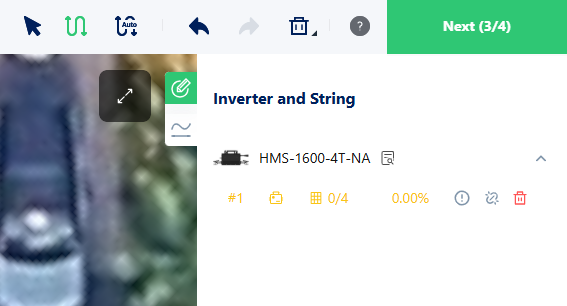
Step 2 – Select a Starting Point
Choose a target to begin the string:
- Microinverter AC String – Select an inverter.
- String Inverter DC String – Select an inverter or MPPT input.
Step 3 – Draw the String
Click and drag to create connections.
For microinverter systems, drag across inverters.
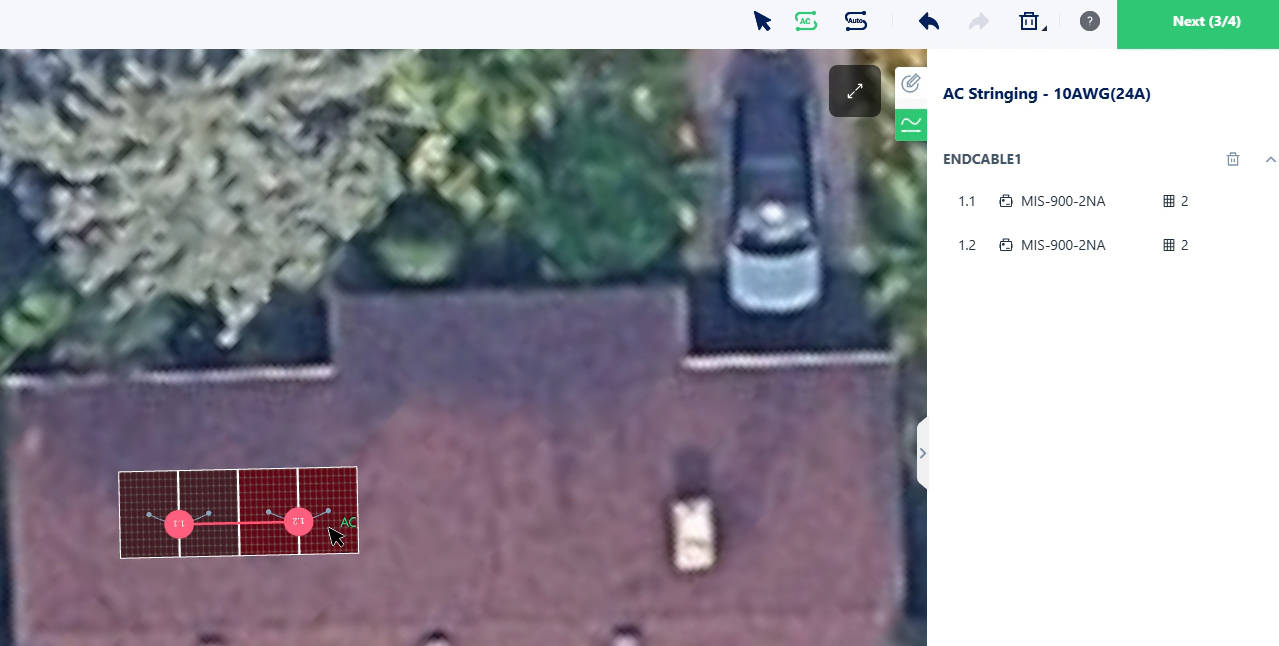
For string inverter systems, drag across PV modules.
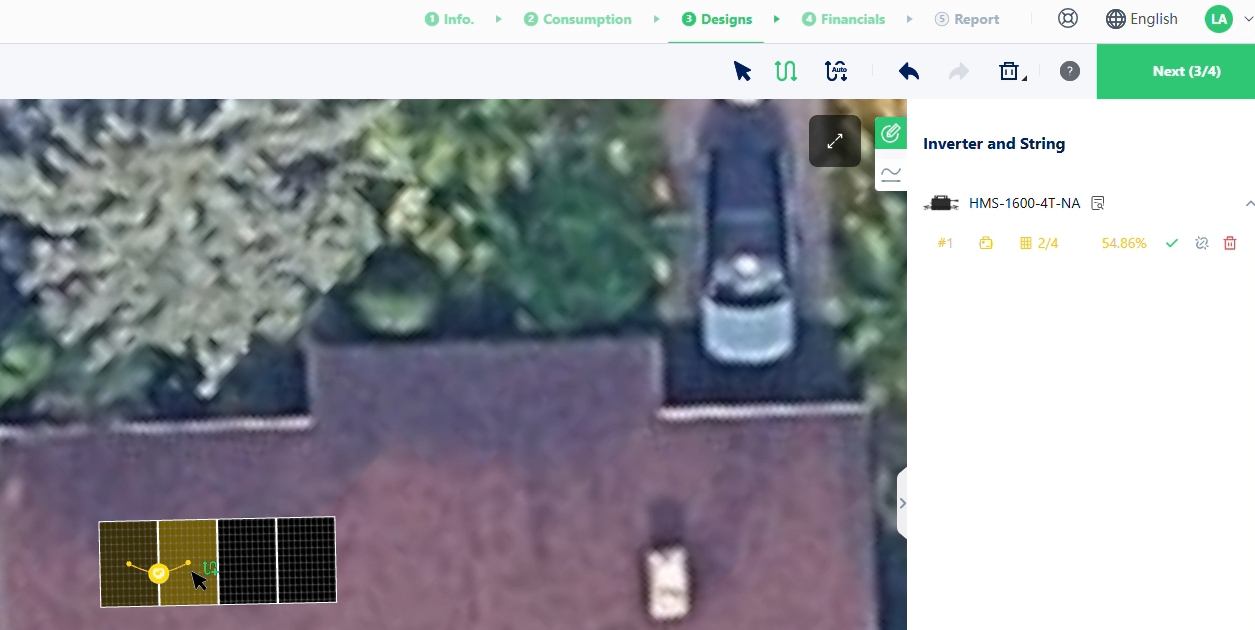
Repeat the process until all required strings have been created.
Click Try It in the guide dialog to automatically activate manual stringing mode and start immediately.
Edit or Remove Strings
- Press Esc to exit manual stringing mode.
- Click an existing connection target to remove a string.
- Run Auto Stringing again to replace all manual strings with a new automatically generated layout.
- Changing the AC cable specification clears existing AC strings and requires them to be recreated.
Notes
- For microinverter systems, complete AC stringing before configuring microinverter accessories.
- String inverter projects must meet MPPT string length requirements.
- Projects that do not allow cross-roof stringing cannot create connections across roof boundaries.
- Manual stringing results remain unchanged unless Auto Stringing is applied again.