

The Pen Tool is used to create custom roof shapes directly from satellite imagery. It allows you to draw roof outlines, adjust roof geometry, and refine roof structures for more accurate 3D site models.
Create a Roof
Start Drawing Mode
Click Draw Roof to enter roof drawing mode.
The cursor will change to a crosshair, indicating that the Pen Tool is active.
Draw the Roof Outline
Click and drag along the roof edges shown on the satellite map to create wall segments and trace the roof perimeter.
Continue drawing until the full roof outline has been completed.
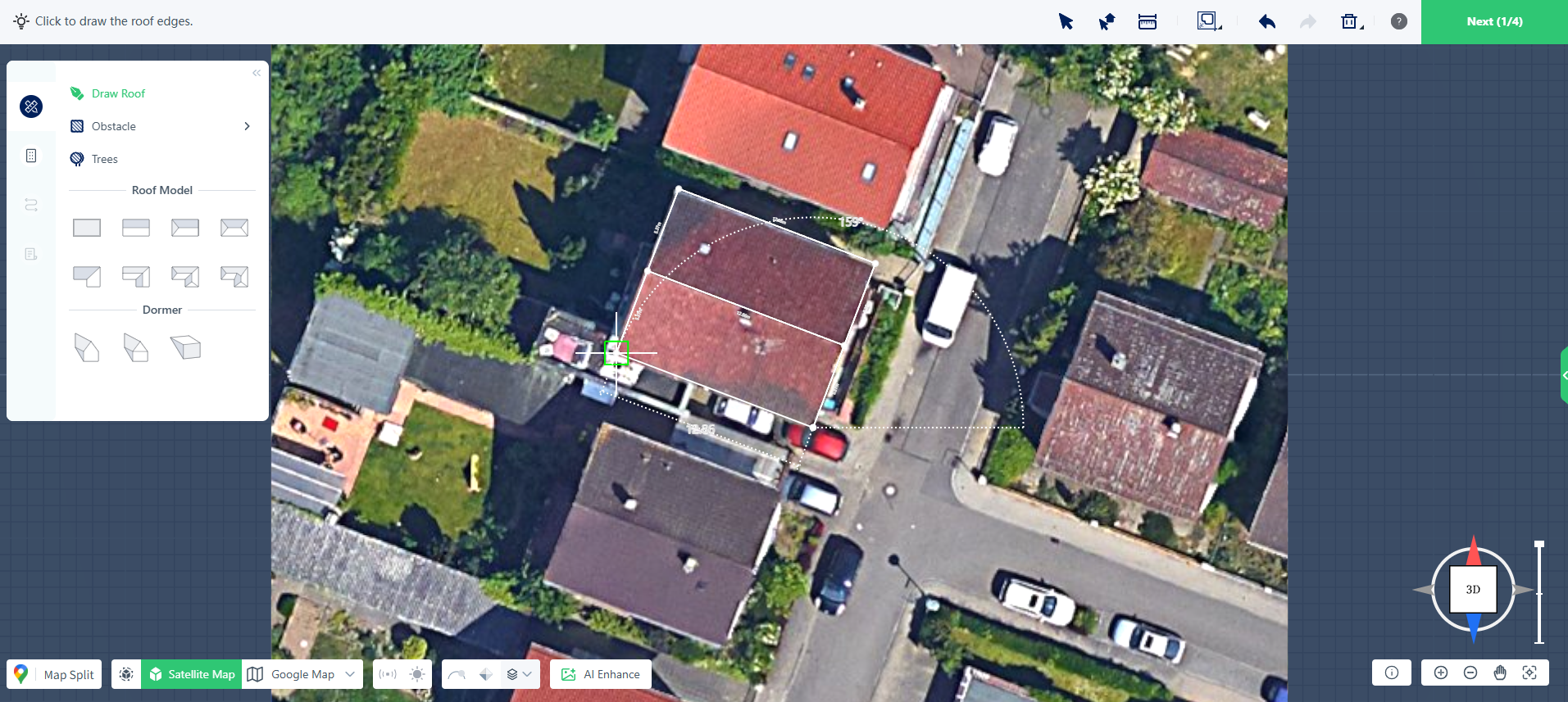
To cancel the current drawing operation, right-click at any time.
Close the Roof Shape
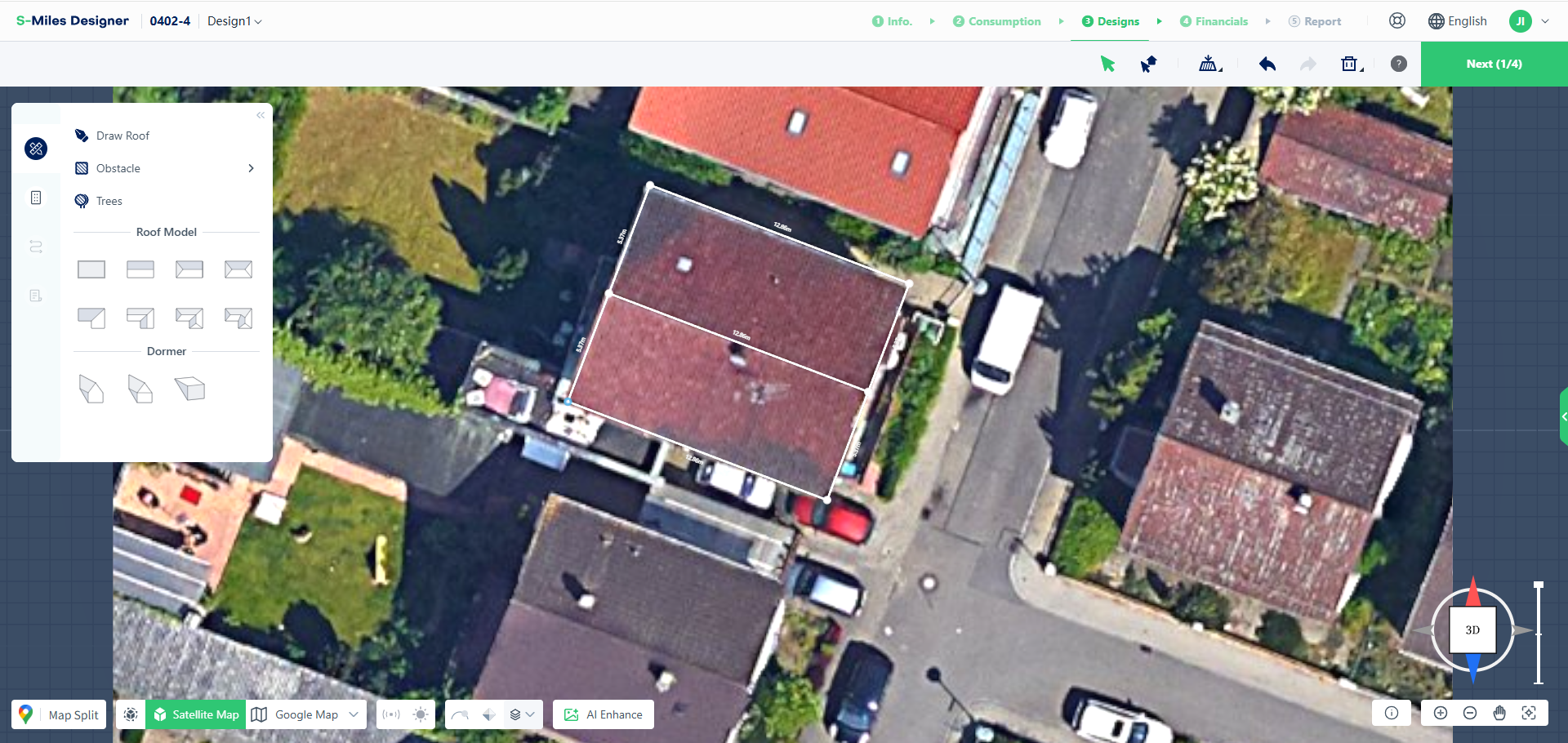
Connect the final point to the starting point to create a closed outline.
Once the shape is closed, S-Miles Designer automatically generates the 3D roof model.
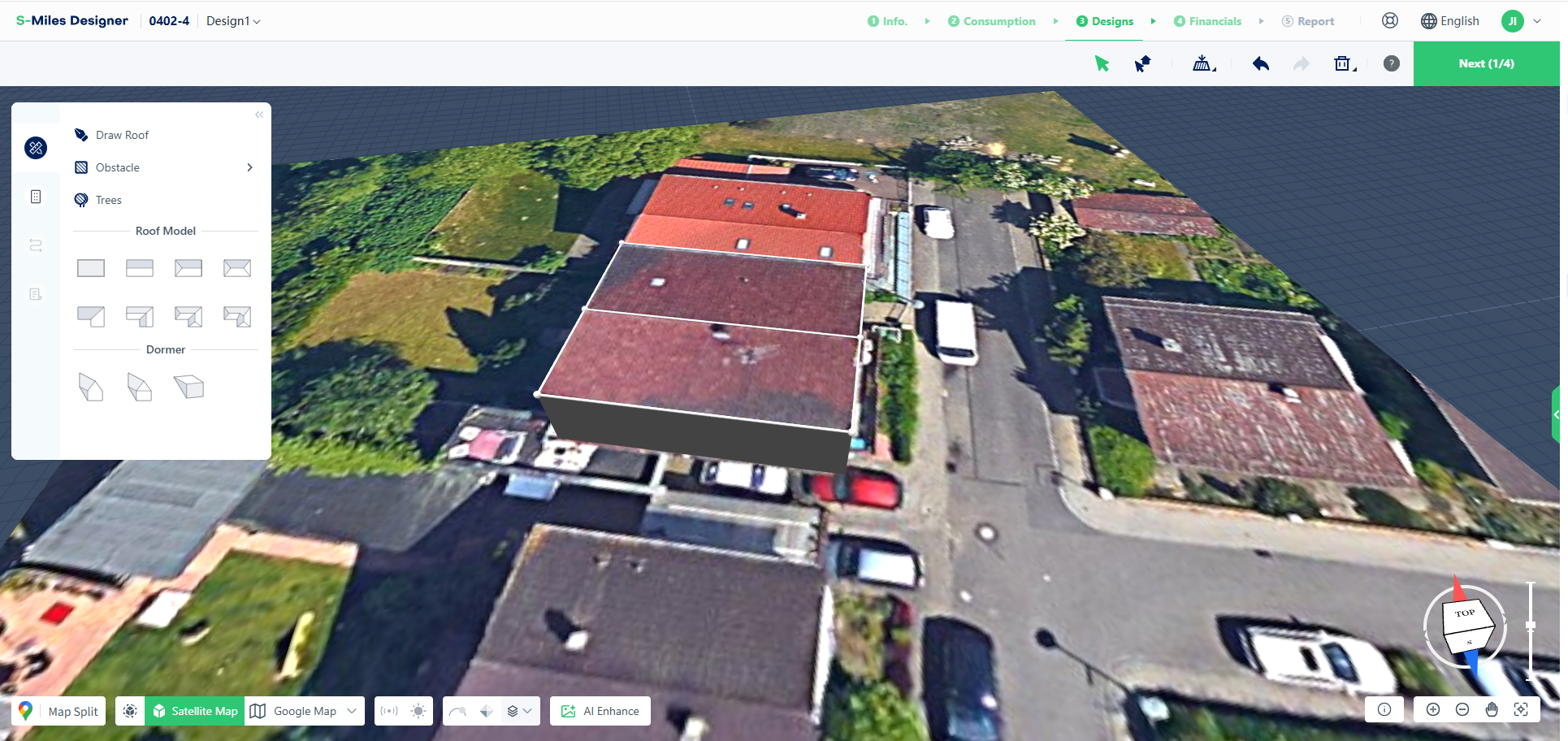
Edit Roof Geometry
After creating the roof, you can modify its shape by adjusting individual vertices.
Move Vertices
Select and drag any vertex to refine the roof outline and better match the actual building shape.
Delete Vertices
Select a vertex and press Delete to remove it.
The connected wall segments will also be removed.
Note: Deleting a vertex will open the roof outline. An open outline cannot generate a 3D roof until the contour is closed again.
Modify Roof Structure
Additional editing tools are available after the roof has been created.
Split a Roof
Click Draw Roof again and draw a line across an existing roof surface to divide it into multiple roof sections.
This is useful for roofs with multiple slopes or separate roof areas.
Adjust Roof Height
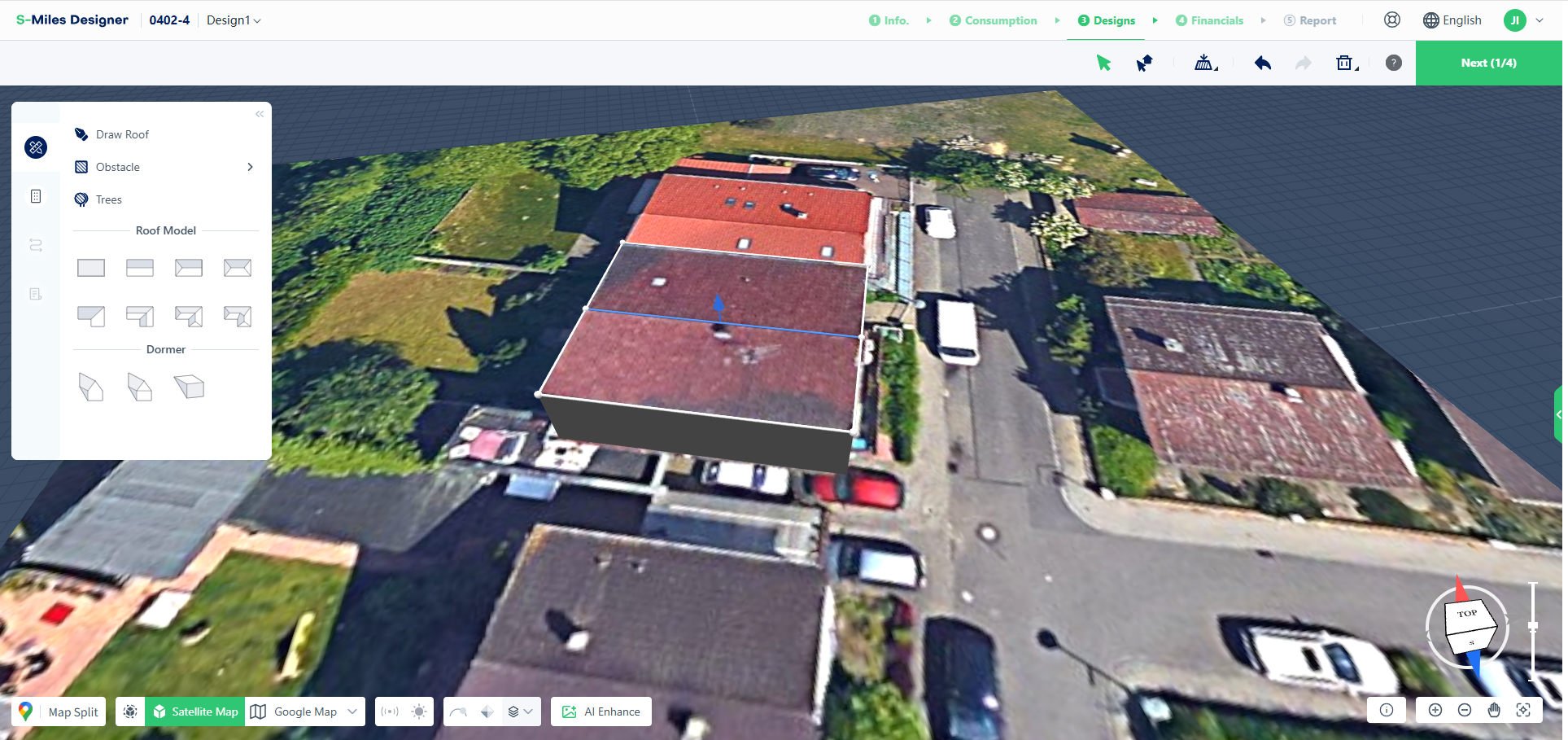
After splitting a roof, a ridge line is created automatically.
Select the ridge line and drag it upward to adjust the roof height.
Adjust Roof Pitch
Select the roof surface and modify the roof pitch value to adjust the roof slope.
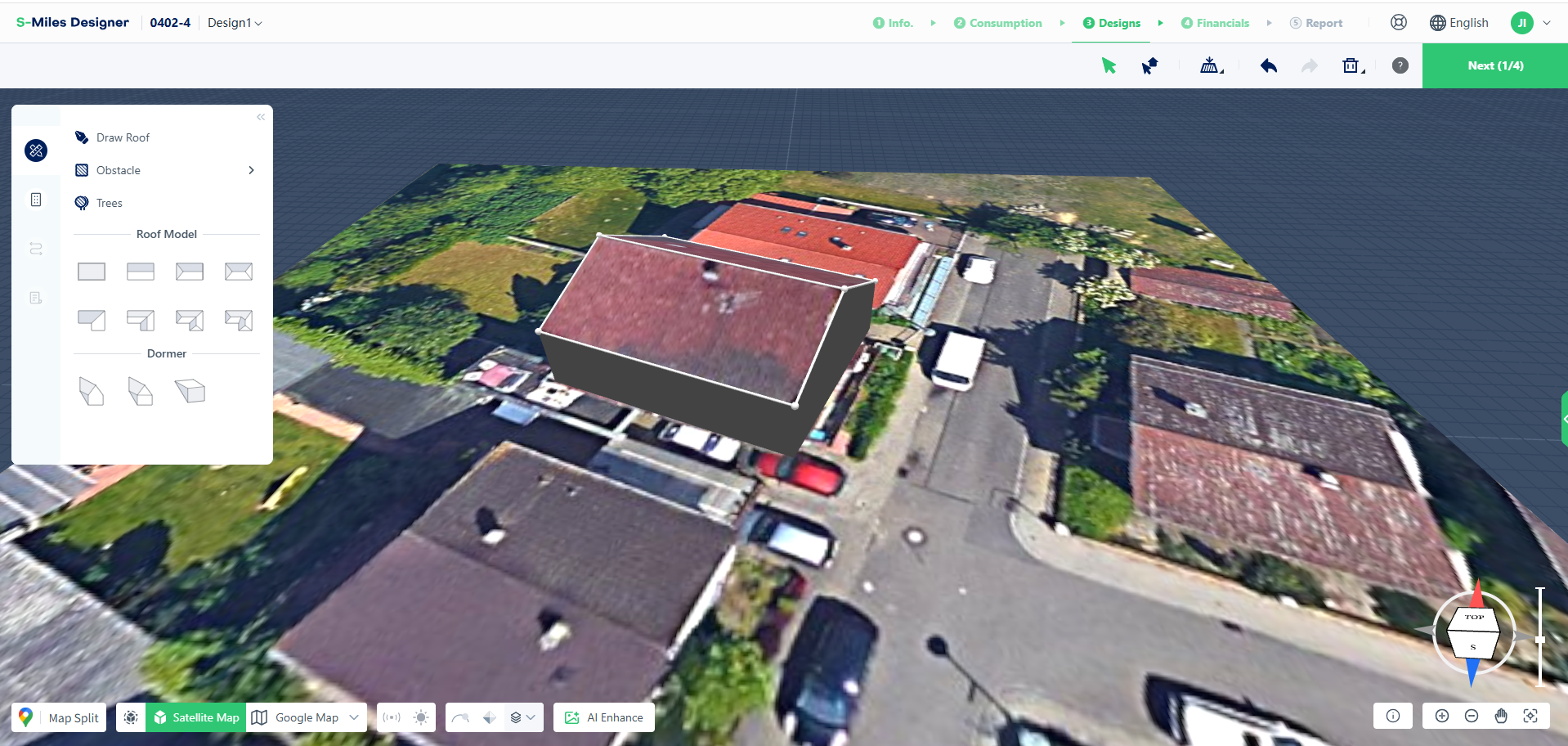
Complete Your Roof Model
The typical workflow for manual roof creation is:
Draw Roof Outline → Adjust Vertices → Modify Roof Structure
Using the Pen Tool allows you to create custom roof models and accurately represent complex roof shapes when satellite imagery alone is not sufficient.